

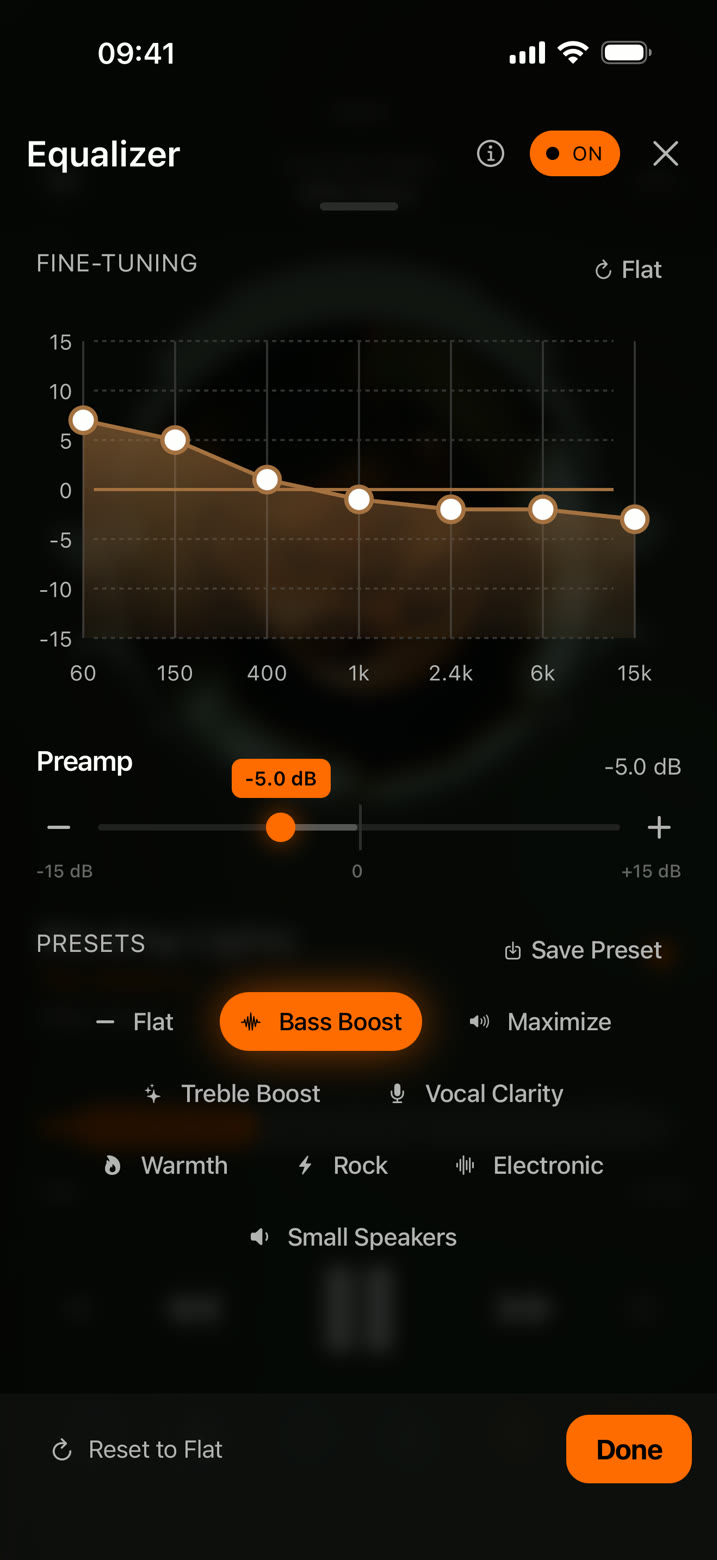
Equalizer
Shape the sound to your ears.
Drag the bands directly on the curve, set the preamp anywhere from −15 to +15 dB, or start from a preset. When it sounds right, save it as your own.
Music player for iPhone
Import your files, shape the sound with a precise equalizer, and listen offline. No account, no streaming, no data collected.

Equalizer
Drag the bands directly on the curve, set the preamp anywhere from −15 to +15 dB, or start from a preset. When it sounds right, save it as your own.
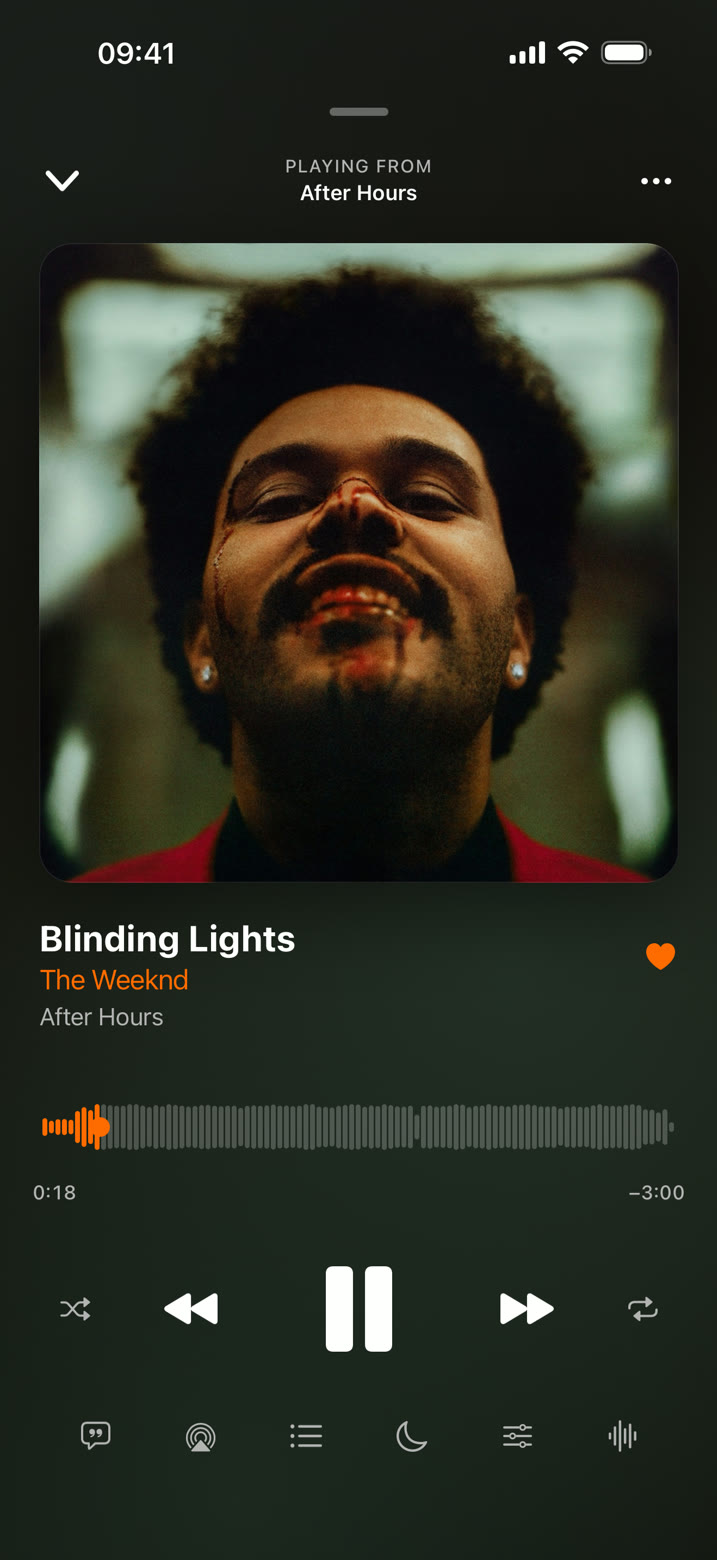
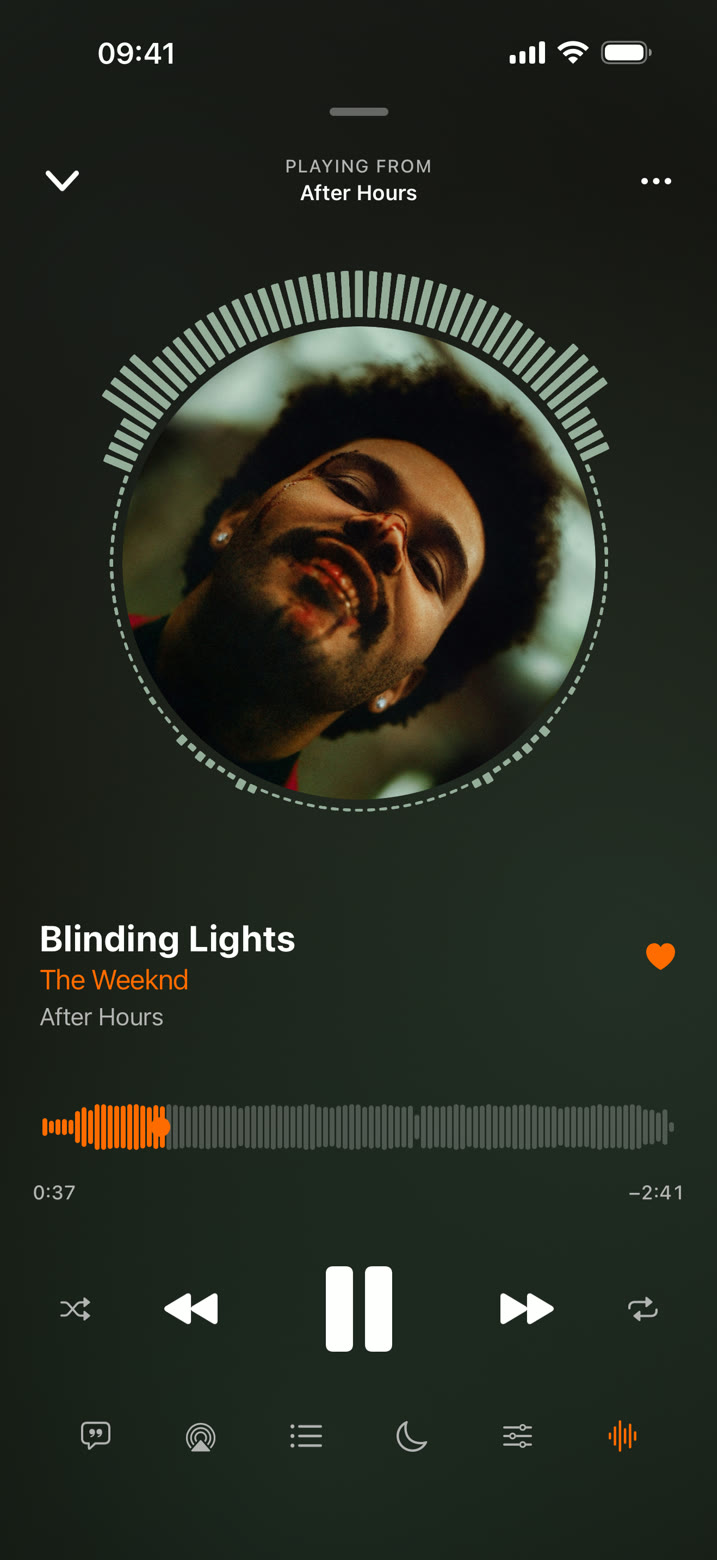
Now Playing
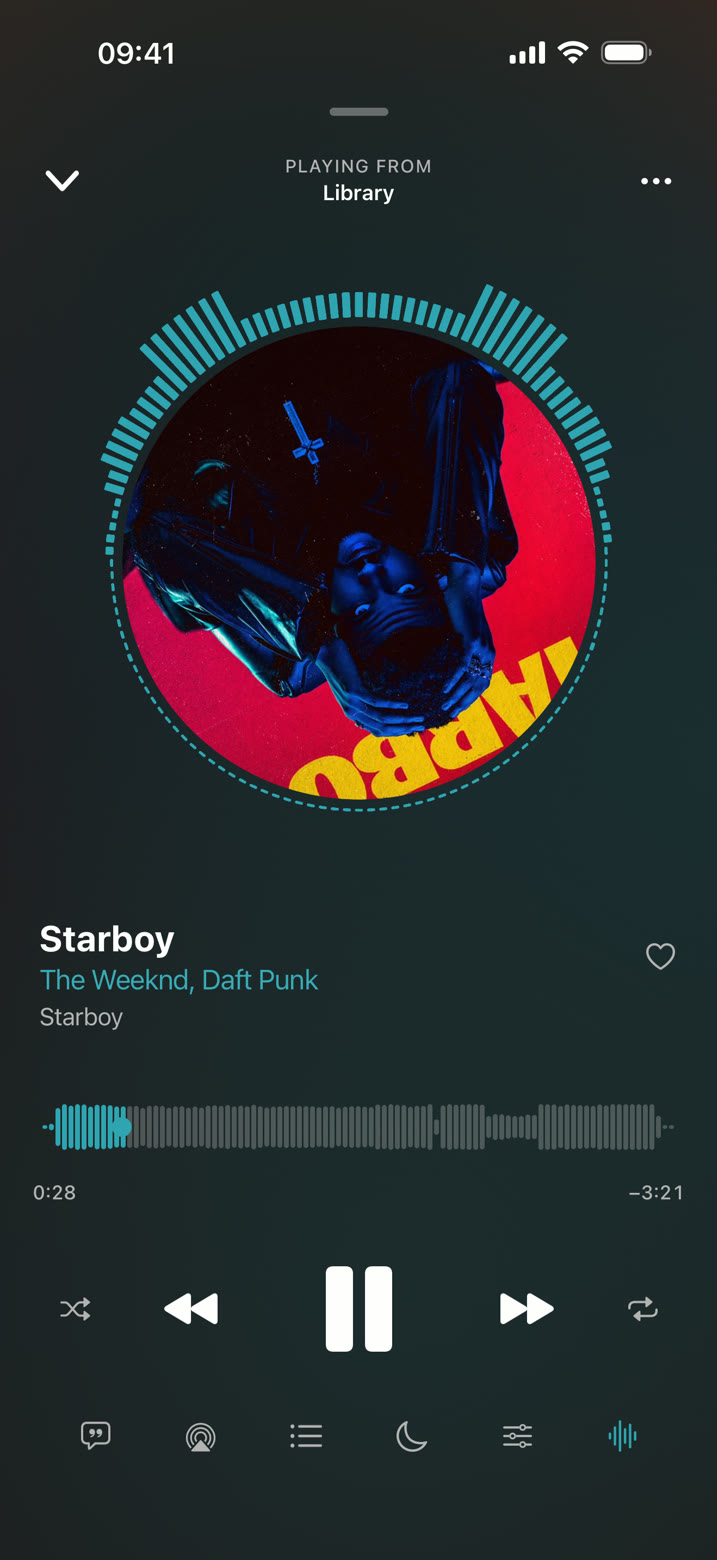
A real-time visualizer rings the artwork, and the waveform shows the whole track at a glance, so you can find the drop before it hits. Synced lyrics scroll with the song, albums play without a gap, and crossfade blends one song into the next.
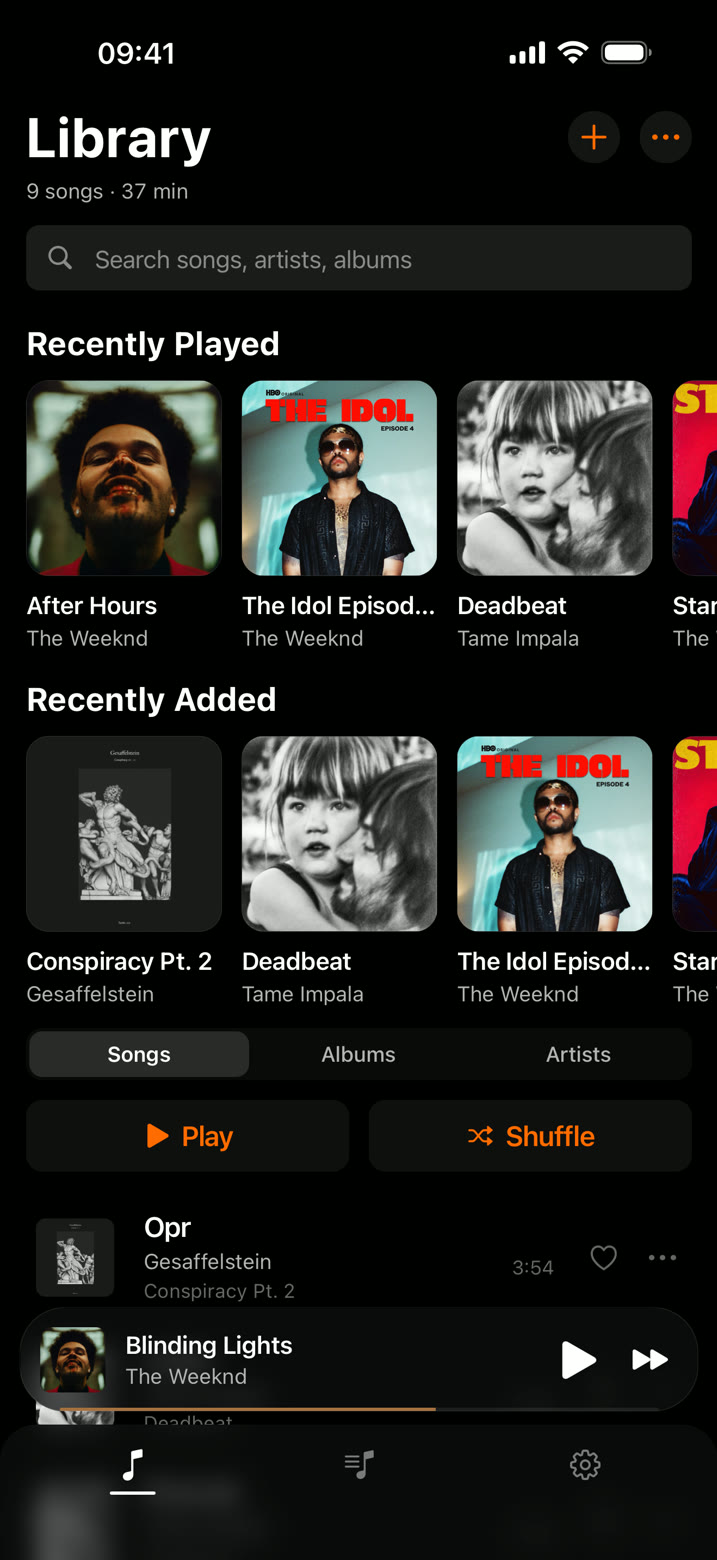
Library
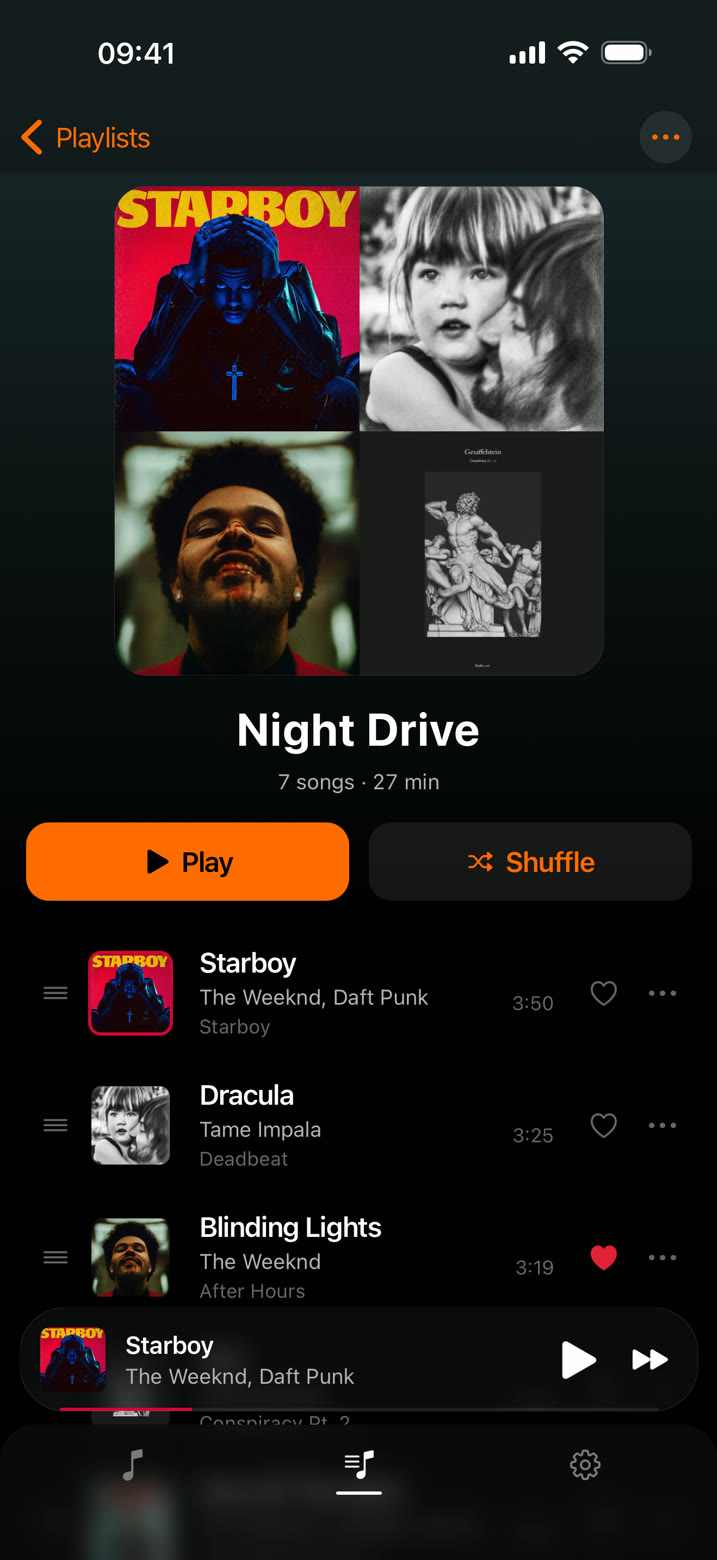
Import from the Files app or straight from the share sheet. Browse by album, artist, genre or decade, find a song by a line of its lyrics, and build as many playlists as you like.
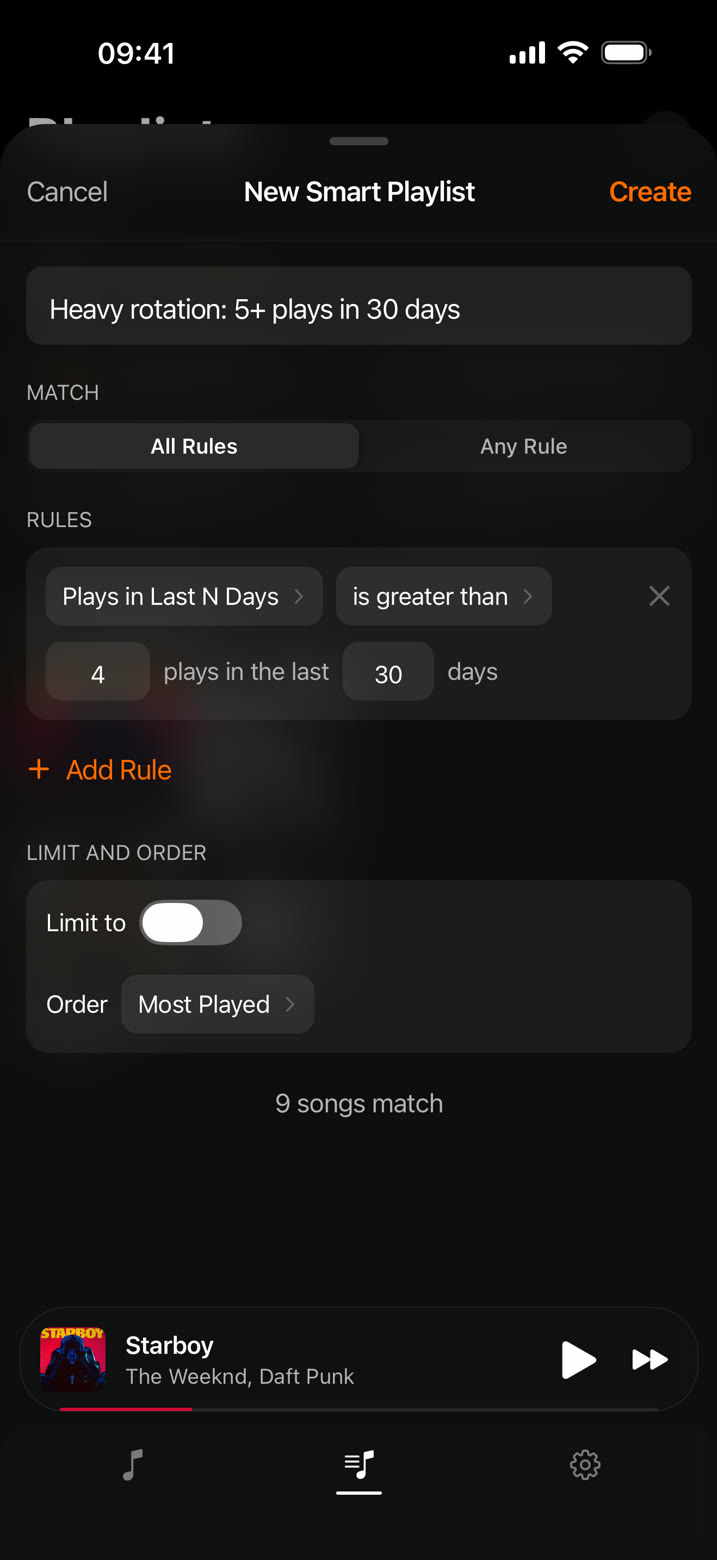
Smart playlists
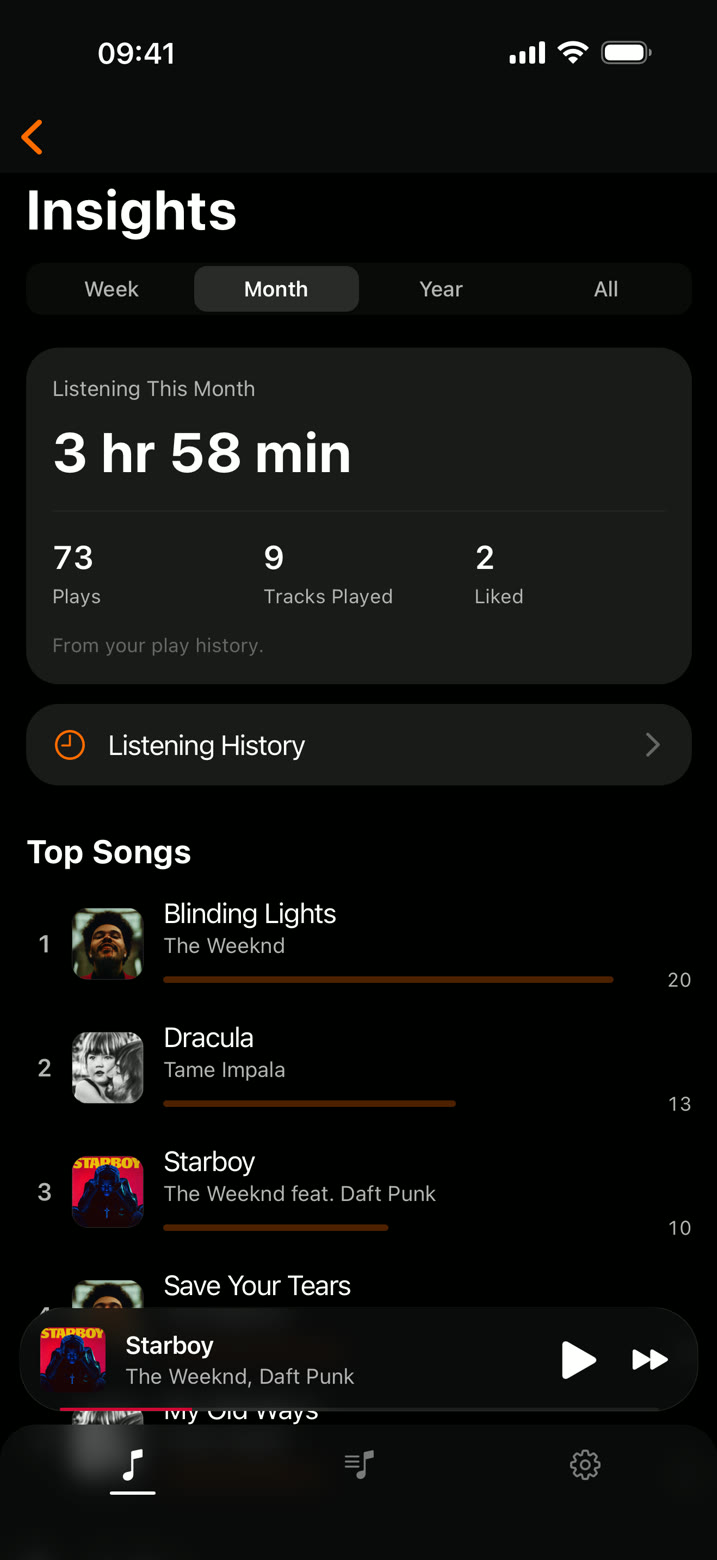
Set a few rules, like "played 5+ times this month" or "not played in 3 months", and the playlist updates on its own. Insights shows what you listened to by week, month and year.
Details
Play, pause, skip and like from the Lock Screen, Control Center and a Home Screen widget.
Long tracks pick up where you stopped, and play counts and history stay on your device.
Choose artwork from your photo library for any track.
Importing the same file twice won't clutter your library.
Line up what's next and play it the way you want.
Built on iOS's own audio stack, easy on the battery in the background.
When the queue ends, Beatlys keeps going with similar songs from your library.
Reads ReplayGain and Sound Check tags so loud and quiet tracks play at the same level.
Save likes, play counts, history and playlists to a file. Import and export playlists as M3U8.
Privacy
Open the app and play. There's nothing to sign up for.
No tracking SDKs, no usage reports, no profiles.
Your music, playlists and settings live in the app on your iPhone, and nowhere else.
FAQ
Yes. Every feature is free. If you'd like to support development, there's an optional tip jar in the app.
Tap Import and pick audio files from the Files app, or share files to Beatlys from any other app. They're copied into your library and play offline from then on.
MP3, AAC, M4A, FLAC, WAV and OGG.
No. Beatlys plays audio files you own. It doesn't connect to streaming services.
Neither. There's no sign-in, and once your files are imported everything works offline.
No. Create as many playlists as you like.
Yes. Back up your library data from Settings to a file, then restore it on the new iPhone after importing your music. Playlists can also travel as M3U8 files.
Not yet. Beatlys is iPhone-first today. CarPlay and Android are both planned.
Free on the App Store for iPhone.